Maxon
About Maxon
 Cinema 4D
 Redshift
 RedGiant
 UNIVERSE
 Forger
 ZBrush
Cinema 4D
Cinema 4D is a professional 3D animation, modeling, simulation and rendering software solution. Fast, powerful, flexible, and stable, this powerful toolset makes 3D workflows more accessible and efficient for design, motion graphics, VFX, AR/MR/VR, game development, and all types of visualization.
Easy To Learn & Use
Cinema 4D is widely recognized as one of the easiest and most accessible 3D packages to learn and use. To soften that learning curve Maxon offers thousands of tutorials on Cineversity and hundreds of Quick Tips. Maxon’s Training team also hosts weekly and monthly live webinars to help new and existing users succeed. – check out our archives and events schedule for more information.
AWARD WINNING MOGRAPH
MoGraph is a procedural modeling and animation toolset that gives motion designers the ability to quickly and easily create complex and abstract animations. At the heart of MoGraph is the Cloner object which allows you to duplicate objects in a variety of ways. Add MoGraph’s powerful collection of Effectors to the mix and you can put everything in limitless motion using sound, fracturing, fields, and so much more - often without creating a single keyframe! MoGraph is the go-to system for professional broadcast graphics designers and was recognized by the Academy of Motion Picture Arts and Sciences with a Technical Achievement Award in 2019
Redshift
Redshift is the world’s first fully GPU-accelerated, biased renderer built to meet the specific demands of contemporary high-end production rendering in C4D. Tailored to support creative individuals and studios of every size, Redshift offers a suite of powerful features and supports complex, advanced shading networks and texturing capabilities as required for production-quality rendering. Redshift has the features and uncompromising quality of a CPU renderer, but at GPU rendering speeds.
Whats New
Redshift 2025.2 continues to improve Toon rendering: Building upon the recently added controls to adjust Contour lines and Tonemap patterns, we’re adding support for Backface contours, which can be used to create retro oscilloscope-type visuals, blueprint styles, and other technical renders where the hidden lines have a different color or opacity. Substance materials now maintain accurate scale, even as the mesh they are assigned to changes size and shape. This aids the believability of architectural visualization and product visualization scenes and is useful in scene setups where many materials need to align in scale - even if the same material is applied to many different meshes with varying dimensions.
RedGiant
Get the complete set of Red Giant tools for editing, VFX and motion design. Red Giant includes Universe, Trapcode, Magic Bullet, VFX, and PluralEyes. Whether you are working with 3D particles systems and fluid dynamics, color correction and film looks, green screen and compositing, video effects and transitions, or even A/V sync, this set of industry-standard tools has what you need for your post production workflow.
VFX
VFX is a set of plugins for keying, tracking, cleanup, and visual effects compositing, right inside of After Effects. VFX makes it easy to create seamless composites and gives you tools for fast, accurate motion tracking, lens distortion and object replacement/removal. And if you need beautiful glows, distortions and lens flares - VFX has got that too. SUPERCOMP, PRIMATTE KEYER, BANG, KING PIN TRACKER, LENS DISTORTION MATCHER, SPOT CLONE TRACKER, OPTICAL GLOW, CHROMATIC DISPLACEMENT, REAL LENS FLARES, KNOLL LIGHT FACTORY, SHADOW, REFLECTION

Whats New
Red Giant 2025 supercharges your creative workflow with powerful new features. The Parametric Curve tool enables precise control over color and HDR video, giving artists the ability to refine footage with an intuitive HDR curve. For fans of retro aesthetics, Red Giant & Universe now includes six new pixel dither and pixel art plugins, giving you the tools to effortlessly recreate classic 8-bit and 16-bit video game visuals.

UNIVERSE
Universe is a collection of GPU-accelerated effects and transitions plugins for editors and motion graphics artists. Give your footage authentic retro and modern day looks. Create beautiful looping backgrounds and motion graphics elements.
DASHBOARD
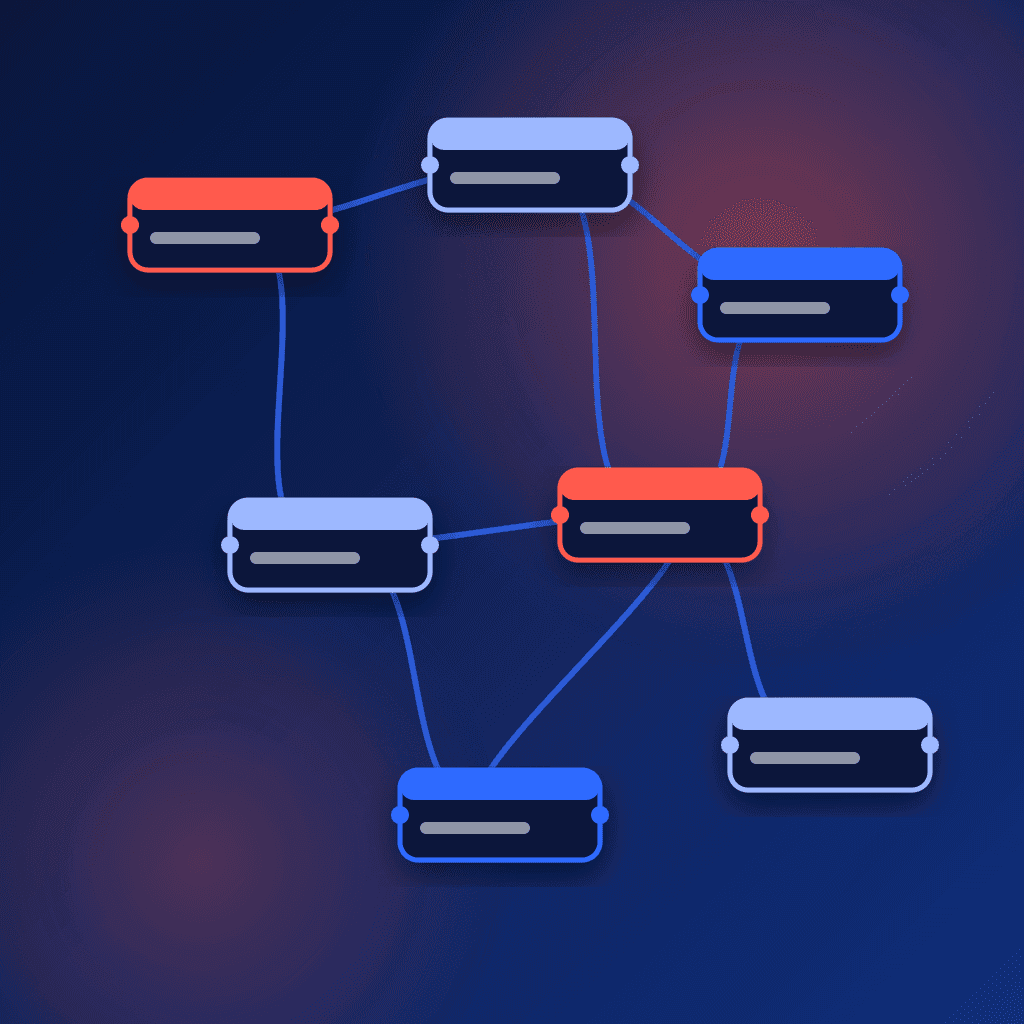
Working with Universe in Premiere Pro and After Effects has never been easier. The dockable Universe Dashboard brings all of the Universe tools into one place, making it simple to explore and apply the entire library of effects and presets
GENERATORS
Universe generators are a fantastic content resource for any video project. They can provide visual filler between your clips, animated backgrounds behind your titles, or even be overlaid atop your videos to create cool effects.

Forger
Forger features an intuitive multi touch interface and a large range of tools. So you can start creating 3D models for films, games, 3D print them, or even walk among them thanks to augmented reality. Whether you’re a professional working in filmmaking, game development or character animation, or you’re just a budding young artist, Forger allows you creatively explore and bring your ideas to life.
WORKFLOW
Polygonal Modeling Tools for extruding points, edges or polygons, beveling edges, creating insets on faces and bridging parts of a model and more. Seamless iterative workflow with Cinema 4D: Objects can be moved back and forth between Cinema 4D and Forger to facilitate a seamless, iterative workflow.*(*Requires Cinema 4D Release 25.015 or later.). Import OBJ, Alembic files. Export OBJ, STL, USD files. Multi-mesh support in scenes. Hardware keyboard support (Bluetooth or wired). Apple Pencil pressure sensitivity support. Undo/Redo history. Background and Reference image “ImagePlane” support. Left- and Right-handed UI modes. Turntable and Free Orbiting navigation modes. Action Pivot navigation mode. Turntable video generation. Image rendering with alpha at different resolutions.

APPLE APP OF THE DAY

ZBrush
ZBrush sets the industry standard for digital sculpting and painting. Its features enable you to use customizable brushes to shape, texture and paint virtual clay in a real-time environment that provides instant feedback. When you use ZBrush you'll be empowered by the same tools employed by film studios, game developers, toy/collectible makers, jewelry designers, automotive/aviation designers, illustrators, advertisers, scientists and other artists the world over. In fact, we have even received an Academy Award for the technology that powers ZBrush.

READY, SET, RENDER
Whether you are using ZBrush by itself as an illustration tool or as part of a production pipeline for animation, you will at some point want to show your work to others. ZBrush makes this possible through a powerful rendering system called BPR (Best Preview Render).

BORN IN CLAY
ZBrush sets the industry standard for digital sculpting and painting. Its features enable you to use customizable brushes to shape, texture and paint virtual clay in a real-time environment that provides instant feedback. When you use ZBrush you'll be empowered by the same tools employed by film studios, game developers, toy/collectible makers, jewelry designers, automotive/aviation designers, illustrators, advertisers, scientists and other artists the world over. In fact, we have even received an Academy Award for the technology that powers ZBrush. In short, ZBrush is an art tool created by artists, for artists. It allows you to create models and illustrations limited only by your imagination, at a speed that allows you to stand out in today's fast paced industry.